 Privacy you can toggle
Blur your AI chat history.
One click.
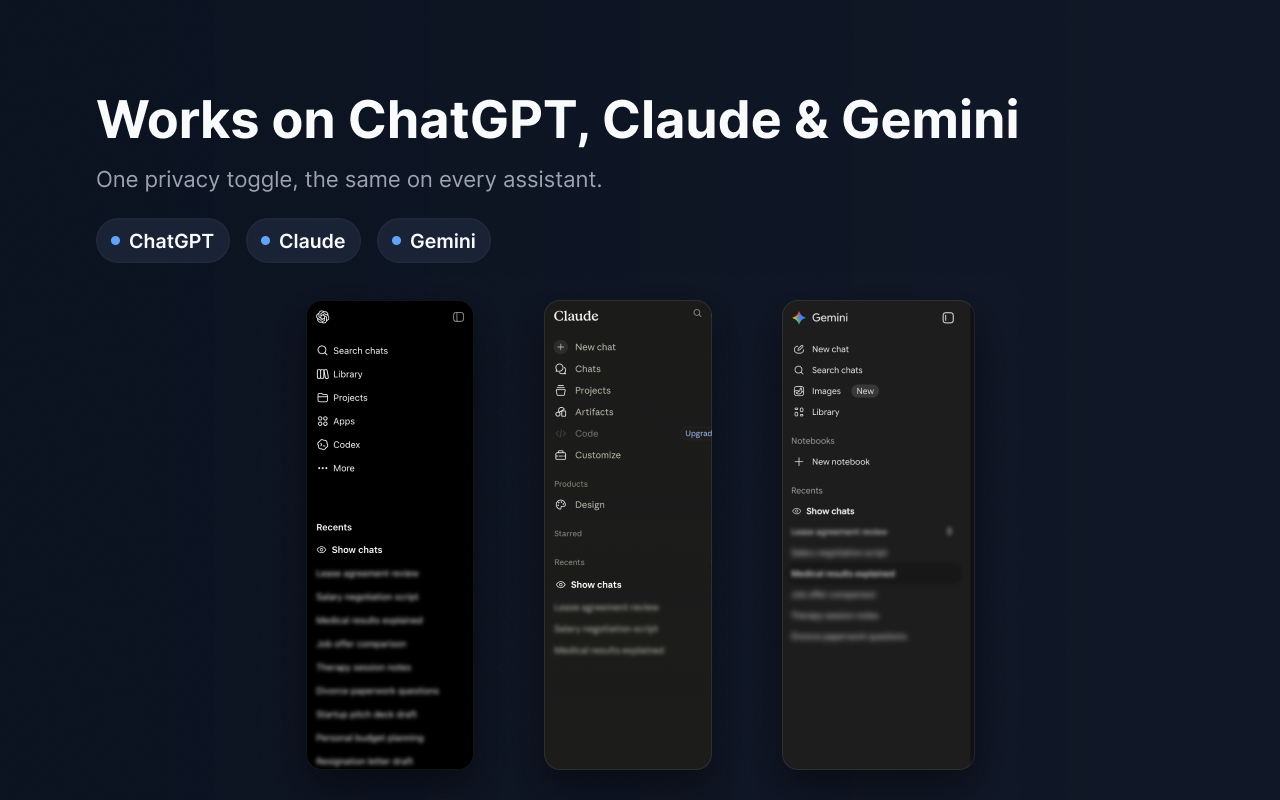
Veil hides your sidebar titles — and optionally open messages and search — on ChatGPT, Claude, and Gemini, so a glance or a screen share never exposes a private conversation.

Private without getting in your way
Everything you need to keep your AI chats discreet — and nothing you don’t.
One-click blur
Toggle the blur on or off instantly from the sidebar pill or the toolbar.
Hover to reveal
Peek at a single chat just by hovering — it re-blurs the moment you move away.
Adjustable strength
Dial the blur from a hint to fully unreadable, with a live preview.
Messages & search
Optionally blur the open conversation and your search results too.
Pinned stay visible
Keep your pinned chats readable while everything else stays veiled.
Keyboard shortcut
Flip the blur without reaching for the mouse. Light/dark themes, 7 languages.
The same simple toggle, everywhere
One privacy control across ChatGPT, Claude, and Gemini.


Your chats never leave your browser
Veil is a visual effect, applied locally. There are no servers, no accounts, and nothing to sign up for.
Read the privacy policy- No tracking, ever
- No data collection
- No remote code
- Runs only on supported AI chat sites